How to turn a PDF into a survey or quiz with AI
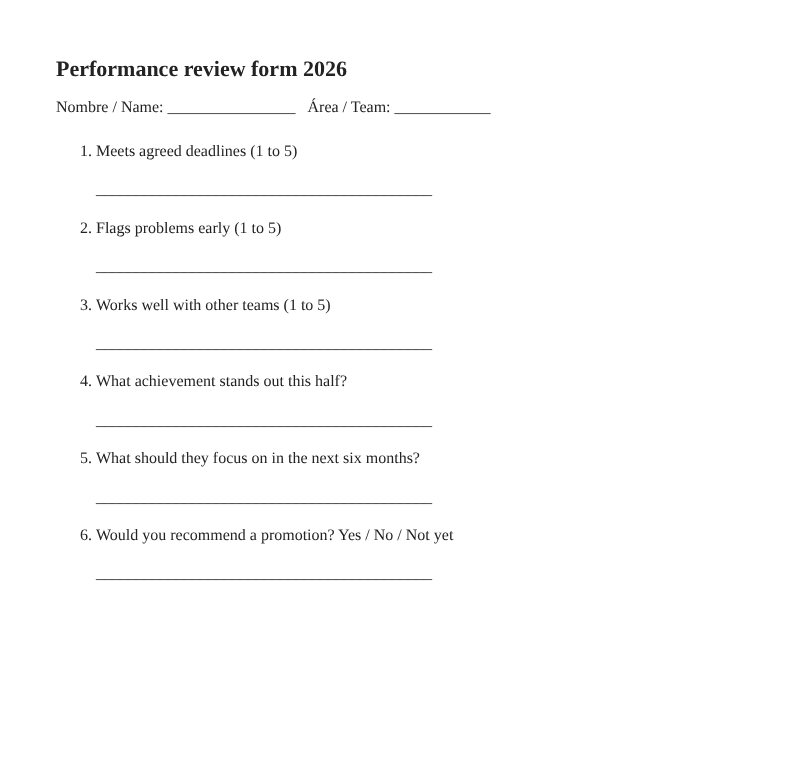
Many surveys exist long before they reach an online tool: the performance review form printed every six months, the sign-up sheet, a course questionnaire. Retyping them is tedious and it is easy to get an option wrong. With "Create with AI" you can attach the document and let SurvIQ do the transcription.
Which documents work
- Existing forms (as PDF, or scanned to a PDF with readable text): reviews, intake forms, printed surveys.
- Study material: a chapter, a guide or notes to generate a review quiz with the correct answers marked.
- Text files (TXT or Markdown) with a list of questions.
Files can be up to 4 MB. Long documents are charged in blocks of 15 pages, and before charging SurvIQ shows you how much it will read and what it costs.
Step by step
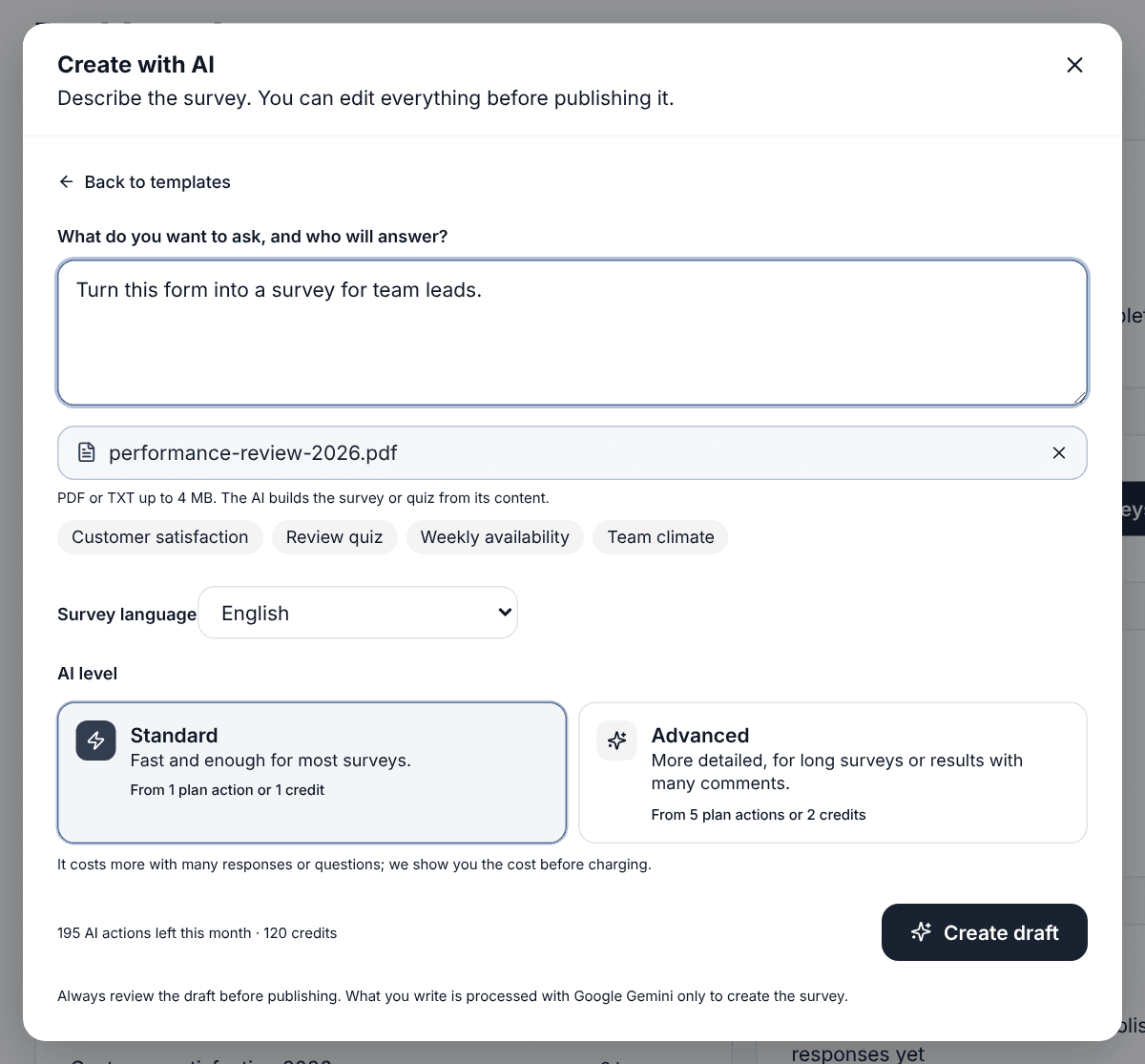
- On the dashboard, tap "New survey" and choose "Create with AI".
- Tap "Attach a document" and pick the file.
- Optional: say what to do with it, for example "turn it into a survey for team leads" or "make a 10-question quiz on this topic".
- Choose the survey language and tap "Create draft".
The AI keeps the document's content and picks the matching question type: 1 to 5 scales become rating questions, "Yes / No / Not yet" stays as single choice, and blank lines become open text.
Review before publishing
The draft opens in the editor like any other survey. Check that no question is missing and that the options are complete, especially if the PDF was scanned. If you will use it as an exam, turn on quiz mode and confirm the correct answers. You can also run "Review with AI" to catch ambiguous questions carried over from the original form.
If you need the same survey in another language, on the Pro and Business plans "Translate with AI" creates the Spanish, English, Portuguese, French, German or Italian version with its own link, and responses in every language add up in the same results.