Where to place your survey tablet and what to ask: stores, restaurants, clinics, hotels and events
A survey tablet in the wrong place gathers dust. In the right place it can bring in dozens of responses a day. The general rule is simple: put it where customers have finished what they came to do and have their hands free, not where they are in a hurry or waiting.
- 1
Store
Next to checkout
After paying, when there is no rush.
- 2
Restaurant
Exit or register
Not at the table: it interrupts the meal.
- 3
Clinic
Front desk, on the way out
When the visit is over, not while waiting.
- 4
Hotel
Front desk, check-out
One or two questions: guests are leaving.
- 5
Event
Exit door
With a staff member inviting people to answer.
Stores
Next to the register, on the customer's side, at chest height. The cashier can say one sentence: "if you have a minute, it really helps us". Do not put the tablet at the entrance: the person has not bought anything yet.
Questions: overall satisfaction, whether they found what they were looking for, staff service and an open question about what to improve.
Restaurants and cafés
At the register or the exit. At the table it interrupts the meal and gets stained; for tables, a QR code is better. If customers pay at the table, the tablet can go next to the door.
Questions: the food, waiting time, service and whether they would come back.
Clinics and practices
At the front desk, for people leaving their appointment. Not in the waiting room: there the person has not been seen yet, and their opinion will be about the wait, not the care. Make sure nobody else can read the screen while someone answers.
Questions: how easy it was to book, waiting time, whether the treatment was explained well and how friendly the staff were.
Hotels
At the front desk, during check-out. Guests have luggage and little time, so use one or two questions: recommendation and an open one. The full survey about the stay is better sent by email the next day.
Events and trade shows
At the exit door, with a staff member inviting people to answer. At a trade show, at your own booth, for people who already talked to your team. If it gets crowded, two tablets avoid a line.
One survey, several spots
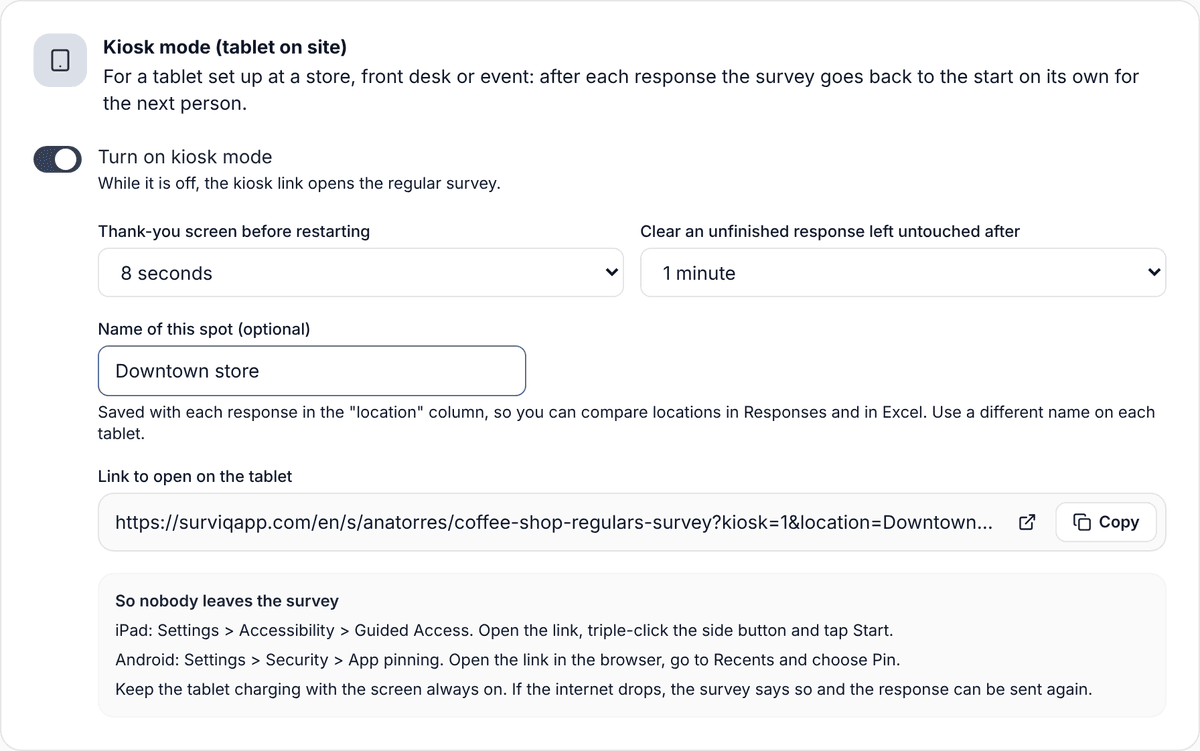
If you have several branches or tablets, do not create one survey per location. Use the same survey with each spot's name in its kiosk link. Each response arrives with that name in its own column, and you can compare locations in Responses or in Excel.
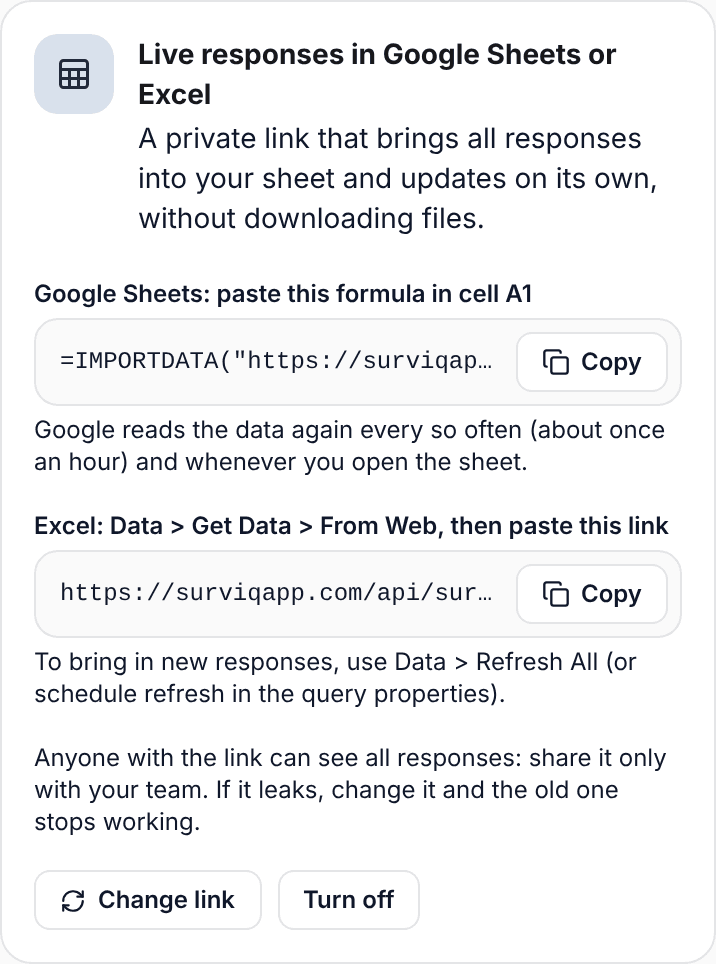
If your team works in Google Sheets or Excel, you can bring responses into your sheet with a private link that updates on its own. That way each store manager sees their numbers without asking for a report.
Common mistakes
- A 15-question survey on the tablet. People drop it halfway.
- A tablet without a charger: it dies mid-afternoon and nobody notices.
- Asking for personal details without saying why. If you need an email to follow up on a problem, make it optional and say so clearly.
- Judging a location with few responses. With fewer than 30 a month, the average can swing a lot from month to month: look at the trend.