How to run a performance review, step by step
 By Enzo CaminoPsychologist and founder of SurvIQ
In many companies the performance review is a form the manager fills in at year end, in a rush, remembering only what happened last month. The person gets a score they did not expect and nobody quite knows where it came from.
A review that works looks more like a year-long cycle. It starts with clear goals, has a checkpoint halfway and ends with a conversation that leaves a plan. It looks like this:
- 1
Goals
January to March
Each person agrees 3 to 6 measurable goals with their manager.
- 2
Mid-year
June or July
A short progress check to correct course in time.
- 3
Self and manager
November to January
The person reviews themselves, then their manager does.
- 4
Calibration
1 or 2 weeks
HR and managers check everyone is measured the same way.
- 5
Feedback
At the end
Conversation, development plan and sign-off.
1. Decide what you will measure
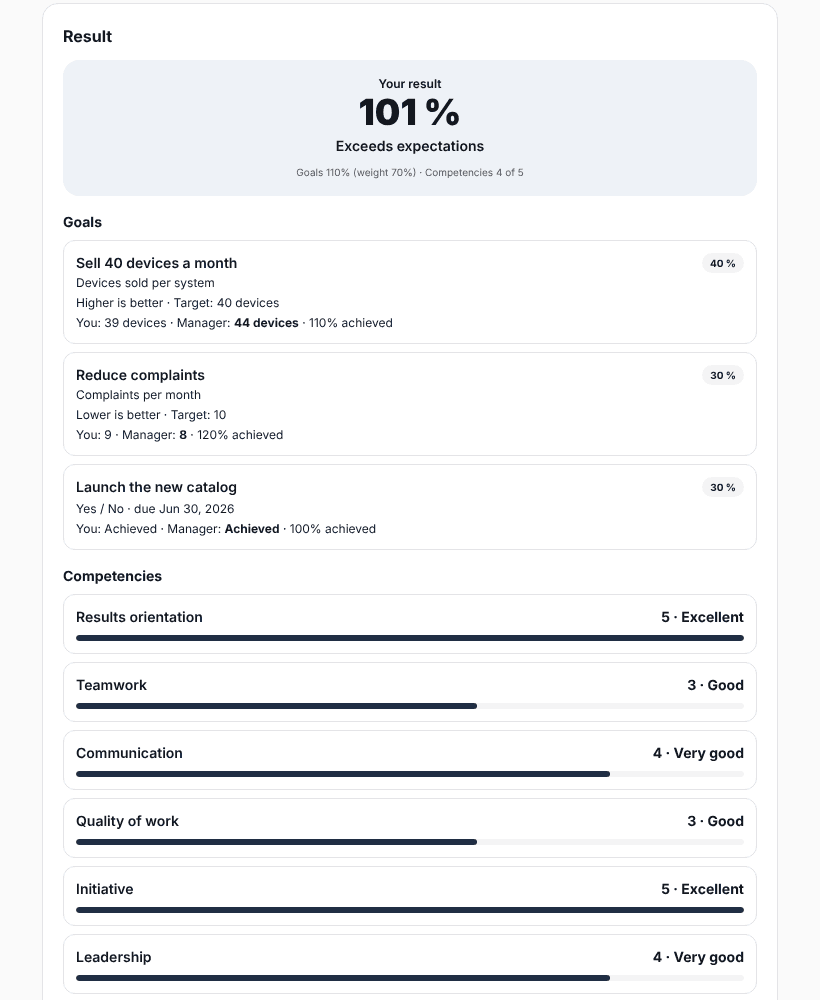
Almost every review measures two things: what the person achieved (goals) and how they worked (competencies). Before you start, decide how much each part weighs. A common starting point is 60% goals and 40% competencies. In sales roles results usually weigh more; in support roles, how the work is done.
- Goals: 3 to 6 per person, each with how it is measured, the target and its weight.
- Competencies: 4 to 6 for everyone, plus 1 or 2 only for people who lead teams.
- Scale: 1 to 5, with a sentence explaining each number.
- Final categories: for example "Exceeds", "Meets" and "Below", each with its minimum score.
If you have never run reviews, start simple: goals and the manager review. Calibration, peer feedback and the 9-box can come in the second year.
2. List your people and who reviews whom
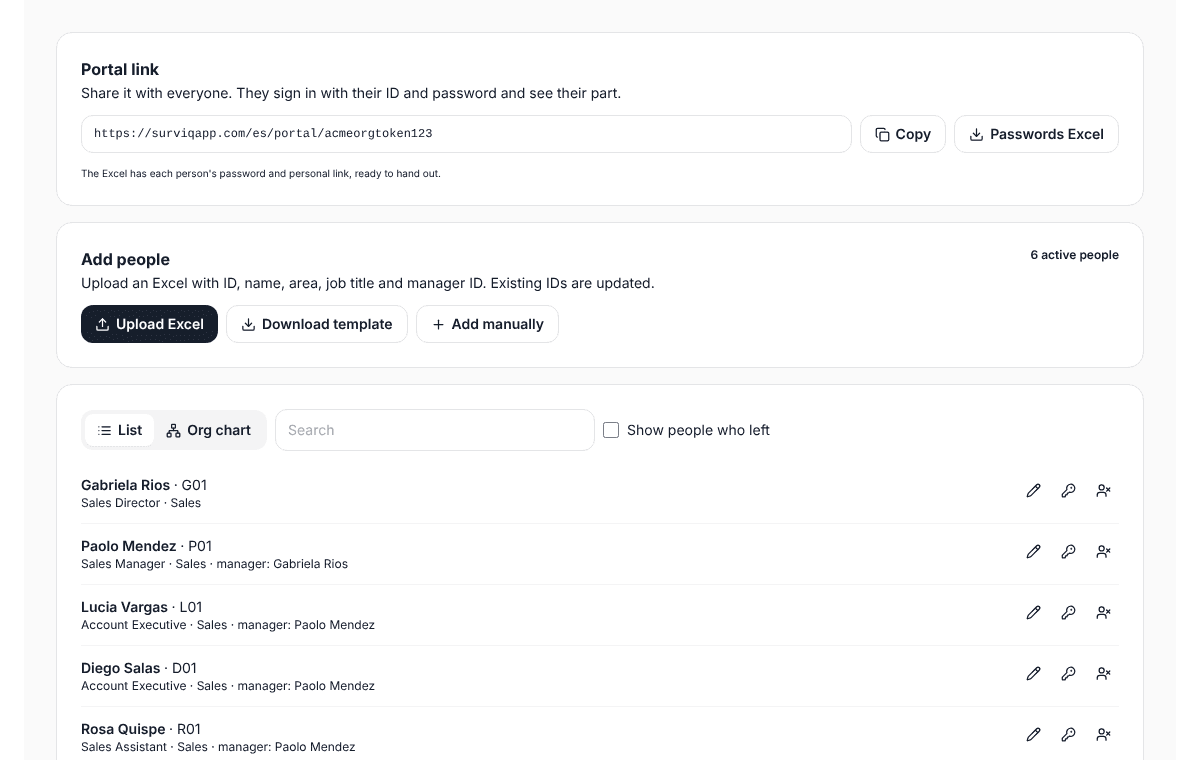
You need a list with each person, their area, job title and manager. With that you know who reviews whom and can see results by area or by manager. Check the odd cases before you start: people with two managers, managers who changed mid-year and whoever sits at the top of the org chart, who also needs a reviewer.
3. Set goals at the start of the year
Goals are agreed between the person and their manager in the first months. What matters is that they can be measured: "improve customer service" cannot be reviewed in December; "cut response time from 48 to 24 hours" can. The manager reviews them and approves them or sends them back with a comment.
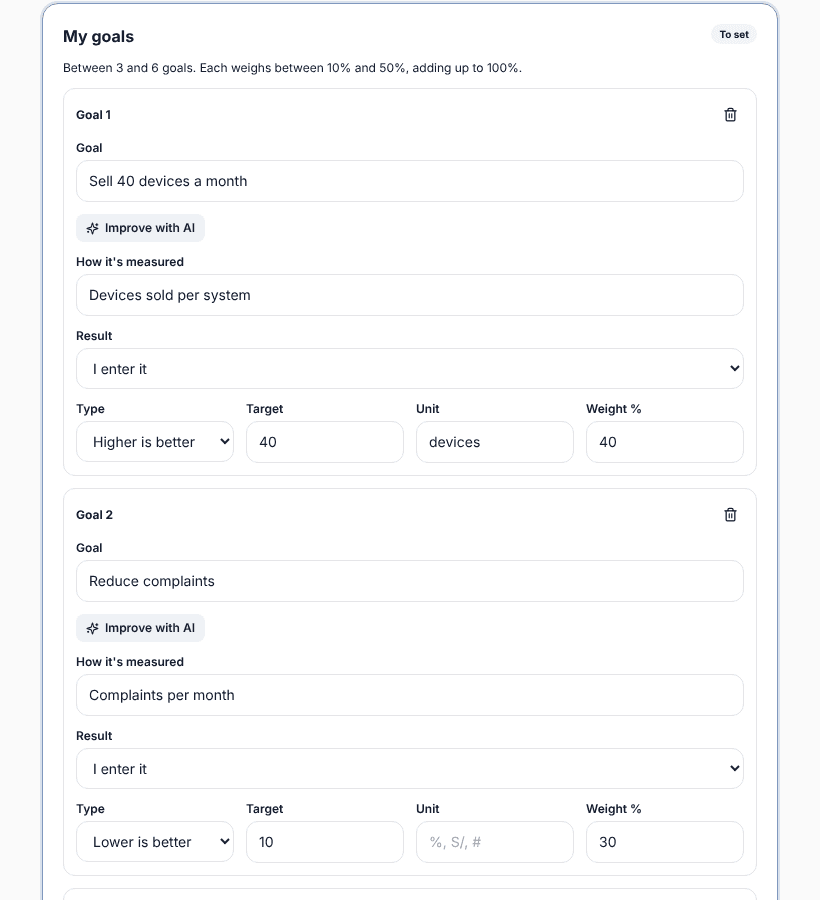
To go deeper, the guide on measurable goals has examples by area and how achievement is calculated.
4. Run a mid-year check-in
A short conversation in June or July prevents surprises. The person notes how each goal is going and the manager comments. If a goal no longer makes sense because the business changed, this is the time to adjust it, not December.
5. Self-review and manager review
At year end the person reviews themselves first: they enter their goal results, rate themselves on competencies and explain with examples. Then the manager reviews, with the self-review in view. The differences between the two are the most useful part of the final conversation.
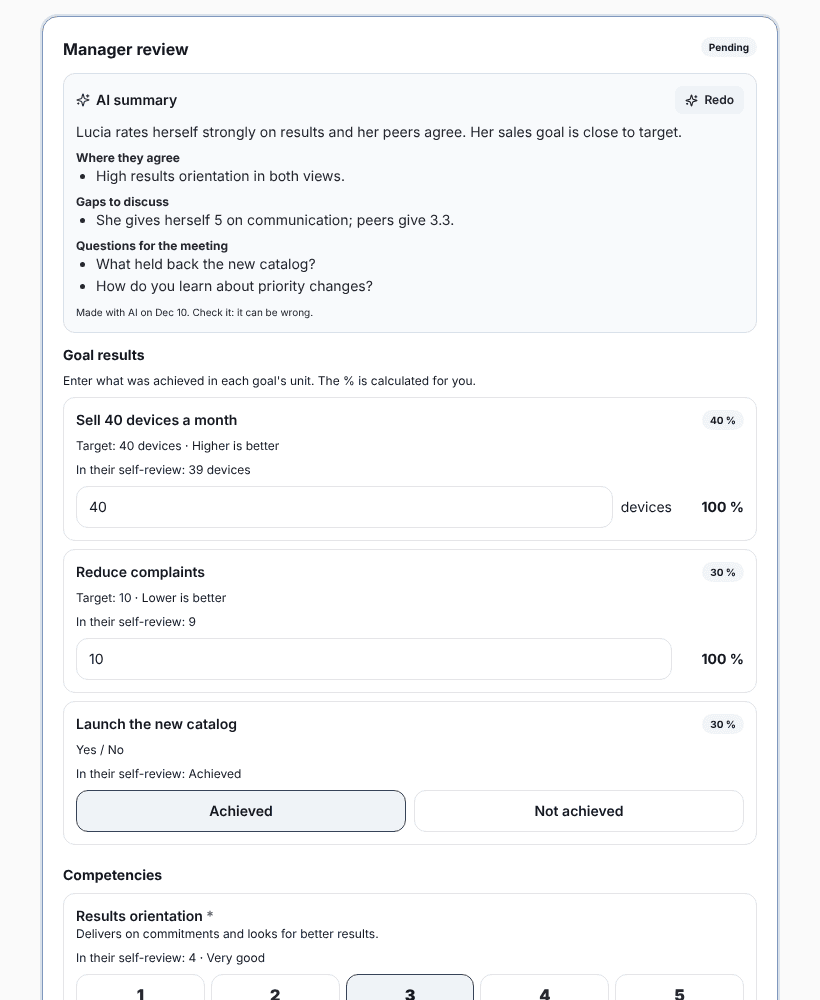
If your company uses it, peer or team feedback comes in here too, always anonymous and grouped. It helps the manager see what they cannot see from above.
6. Calibrate before delivering
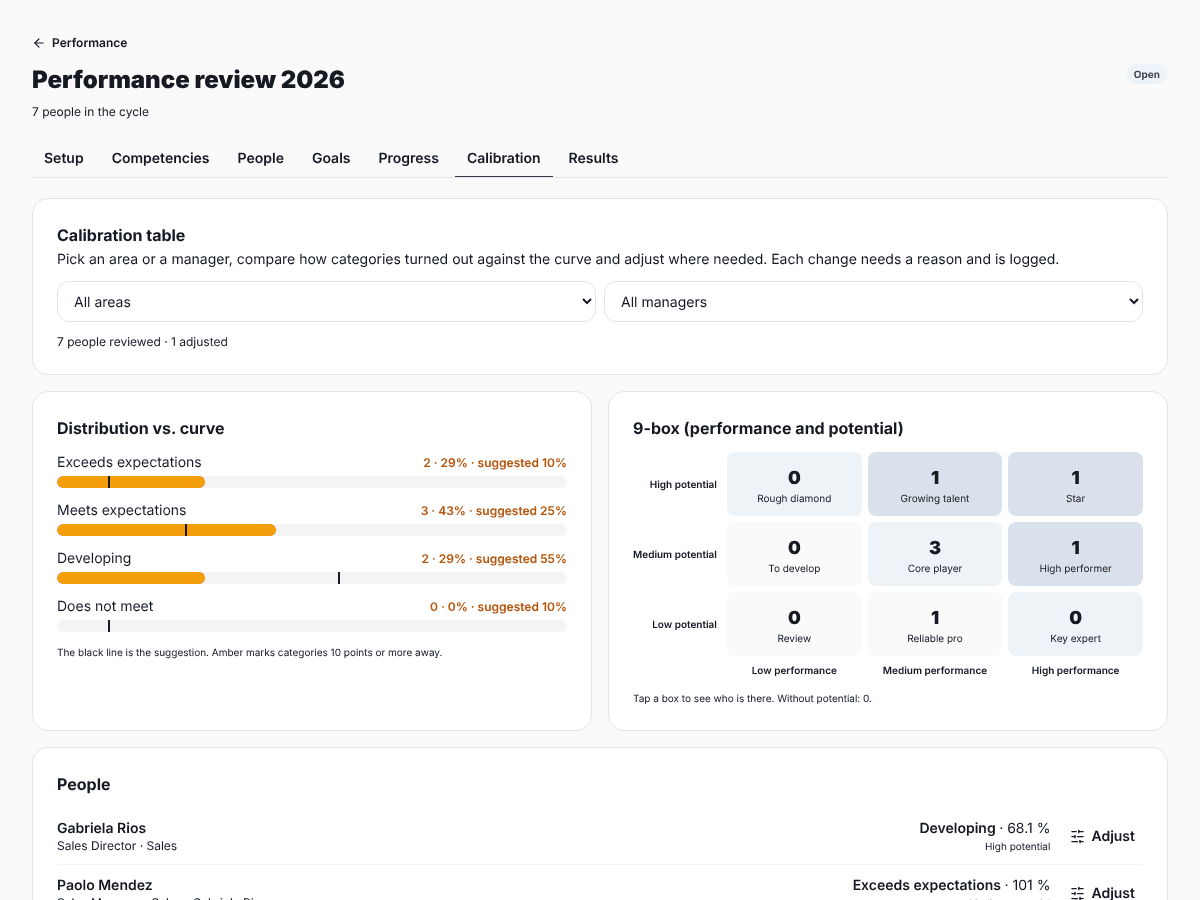
Some managers give their whole team a 5 and others never go above 3. If you deliver scores like that, people in different teams are measured with different rulers. Calibration is a meeting where HR and managers look at the score distribution, compare it with what is expected and adjust the cases that do not fit, always with a reason.
7. Feedback and development plan
The review ends in a conversation, not an email. The manager goes through the result, starts with what went well, talks about what is missing with examples and closes with 2 or 3 concrete actions with dates. The person signs off, or records their disagreement with a comment.
Common mistakes
- Goals that cannot be measured, so the score depends on the manager’s mood.
- Reviewing only the last two months. The mid-year check-in helps remember the rest.
- Delivering scores without calibrating across managers.
- Sending the result by email with no conversation.
- Writing the development plan and never looking at it again.
Step-by-step manual:
Create a review cycle in SurvIQFor your first review, download the ready template in Excel and Word, with the score calculated:
Free performance review template (Excel and Word)Goals, self-review, manager review, 9-box calibration and sign-off, in a portal where each person signs in without an account.
See SurvIQ Performance Review