Performance review form: what it should include, with examples
 By Enzo CaminoPsychologist and founder of SurvIQ
When someone looks for a performance review form, they usually find a long table with twenty 1-to-5 criteria: punctuality, initiative, teamwork, appearance. It takes ten minutes to fill in and says almost nothing about what the person achieved that year.
A useful form is shorter and has two parts that carry weight: what the person achieved and how they worked. These are the sections it cannot do without.
1. Person and period details
Name, job title, area, reviewing manager, period reviewed and date. It seems obvious, but the period prevents a classic argument: whether the review covers the calendar year or April to March.
2. Goals with their result
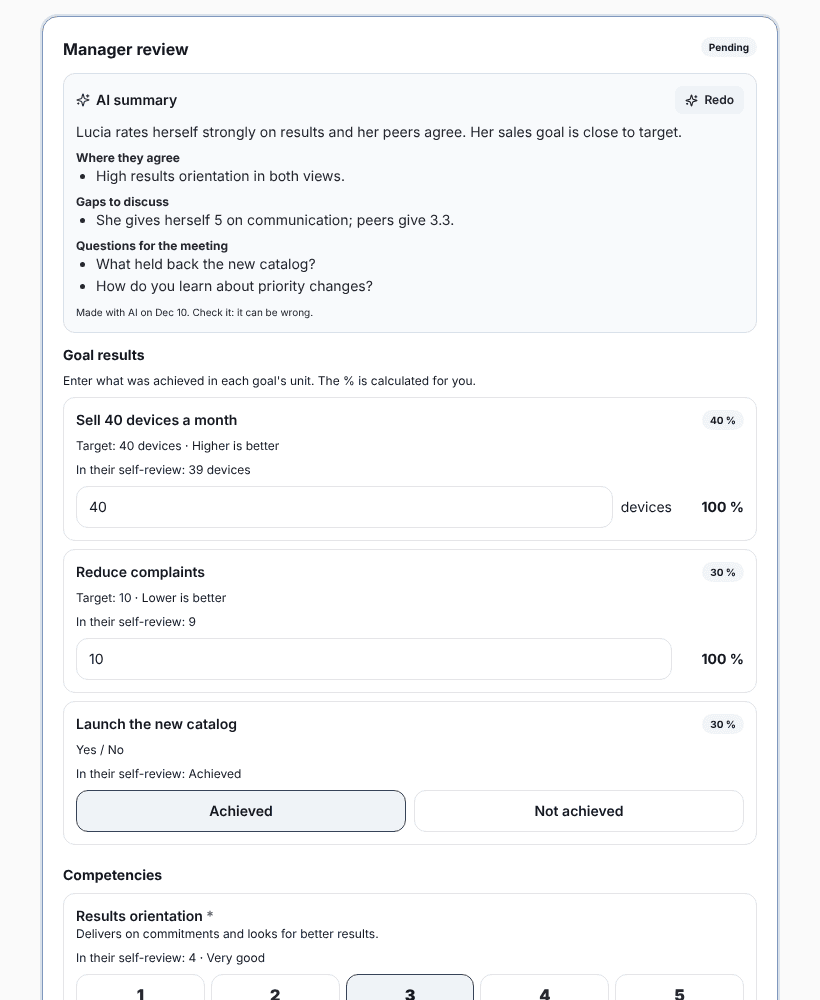
One row per goal: what was to be achieved, how it is measured, the target, the actual result, the achievement percentage and its weight. Weights add up to 100%. If goals were agreed at the start of the year, this part almost fills itself.
| Goal | Target | Actual | Achievement |
|---|---|---|---|
| Yearly sales (higher is better) | $500,000 | $560,000 | 112% |
| Days to close the books (lower is better) | 5 days | 6 days | 83% |
| Launch the new portal (yes or no) | Yes | Yes | 100% |
Higher is better: actual ÷ target. Lower is better: target ÷ actual. With a cap (say 120%) so one goal cannot hide the others.
3. Competencies with an explained scale
Between 4 and 6 competencies, each with a short definition and a 1-to-5 scale where each number says what you see at work. Without that, a 3 means one thing to one manager and something else to the next.
- 1. Not shown yet, or only with a lot of help.
- 2. Shown sometimes, in easy situations.
- 3. Shown consistently in daily work.
- 4. Shown even in hard situations, and helps others.
- 5. A role model: others learn from how they do it.
If your company has not defined its competencies yet, the competency framework guide explains how to build them with levels.
4. Comments with examples
One space for strengths and one for what to improve. Ask for concrete examples: "in the June close they coordinated three teams and nobody fell behind" says far more than "good teamwork".
5. Final score and category
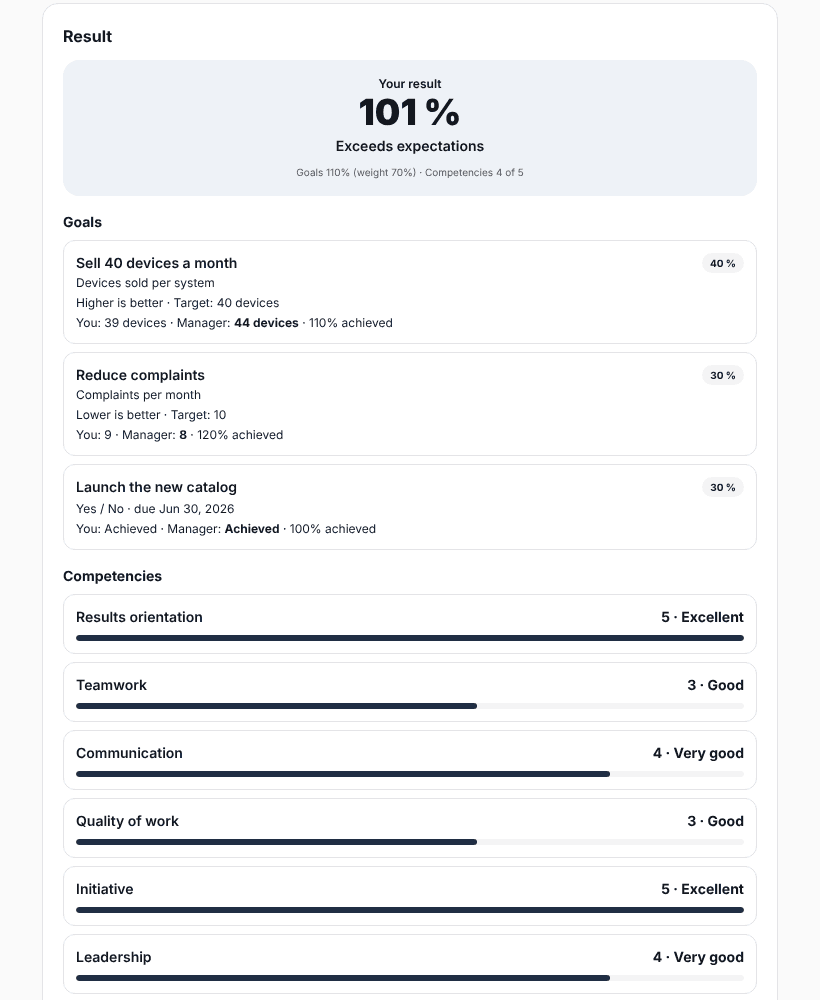
The final score mixes goals and competencies with the weight you chose. For example, with 60% goals and 40% competencies, someone with 105% goal achievement and 3.8 out of 5 on competencies lands in whatever category that score maps to. What matters is that the rule is the same for everyone and written on the form.
6. Development plan
Two or three actions with dates, not ten. "Take the negotiation course before March" or "lead the monthly team meeting during the first quarter". An action without a date rarely happens.
7. Sign-off
A space for the person to say whether they agree, agree with comments or disagree, and sign. Signing does not mean they agree with the score: it means they received it and talked about it.
Spreadsheet or a system?
With 10 people, one spreadsheet per person works. With 50 or more, problems start: different file versions, broken formulas, nobody knows who is missing and pulling results together takes days. That is when it pays to have each person fill in their part in a portal and have scores calculated automatically.
Step-by-step manual:
Competencies, final score and categoriesFill in the template online and download it as Excel (with formulas) or Word, free:
Free performance review template (Excel and Word)Goals, self-review, manager review, 9-box calibration and sign-off, in a portal where each person signs in without an account.
See SurvIQ Performance Review