Competencies, final score and categories
Updated November 11, 2026
Each person’s score mixes two things: how much of their goals they achieved and how they were rated on competencies. This guide explains how to define your competencies, how the score is calculated, how to set up categories and how to review an area or job title differently.
Competencies
In the Competencies tab you define what is rated in the self-review, the manager review and peer feedback.
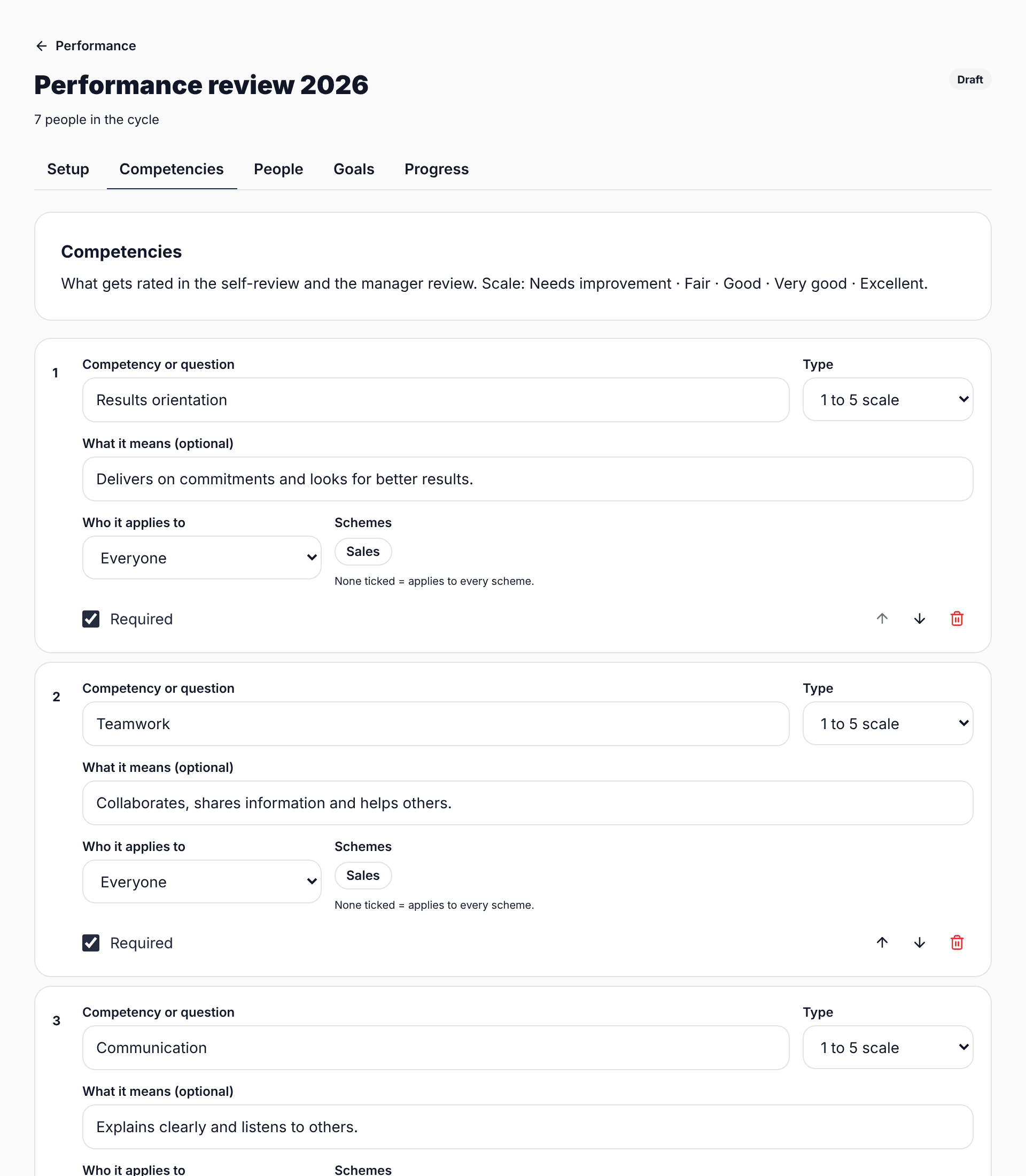
- Competency with a scale: rated from 1 to 5.
- Open question: a comment, no score. For example, "What should they start doing?".
- What it means: a sentence explaining the competency. It helps every manager rate the same way.
- Who it applies to: everyone, only people who manage a team, or only people who do not.
- Schemes: if you tick any, the competency only applies to that group.
Between 4 and 6 competencies works best. With more, people rate everything the same to finish quickly.
How the score is calculated
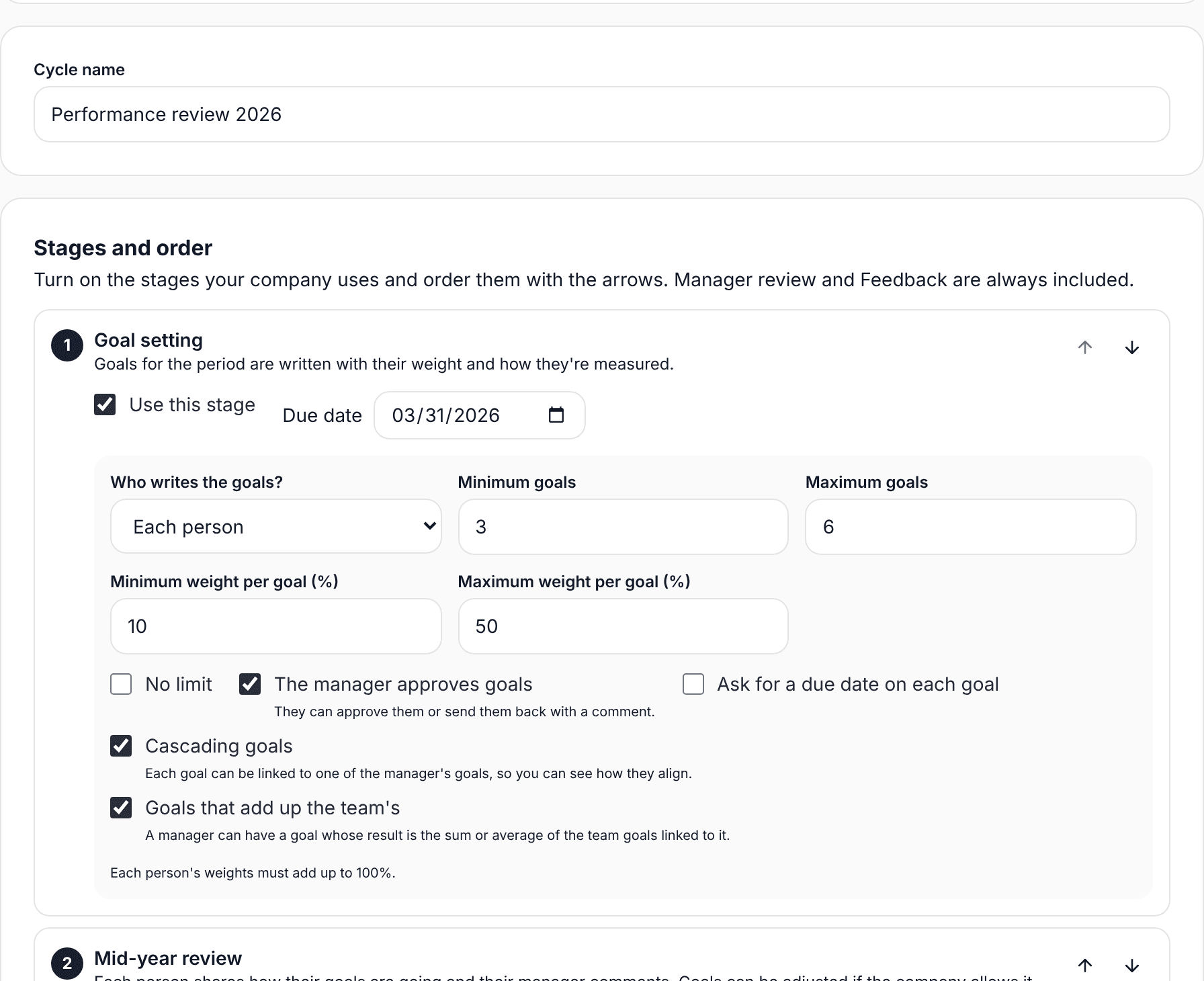
- Each goal gives an achievement % based on its type, with the cap you chose.
- Goals are combined by weight: a goal weighing 40% counts twice as much as one weighing 20%.
- Competencies are averaged and turned into %: a 4 out of 5 is 80%.
- The final score mixes both parts using "Goals weight". With 60, goals are worth 60% and competencies 40%.
- The category comes from the score: the first one whose minimum it reaches.
If the cycle has no goals, the score comes from competencies only.
Categories and scale
Categories go from highest to lowest, each with its minimum score ("from %"). The last one takes everyone who does not reach the others. The 1-to-5 scale has a name for each number, for example Needs improvement, Fair, Good, Very good and Excellent.
Schemes by area or job title
If a group is reviewed differently, create a scheme. For example, Sales with 70% on goals while everyone else uses 60%. Group by area or job title, and in the Competencies tab pick which competencies apply.