People, passwords and the portal link
Updated November 11, 2026
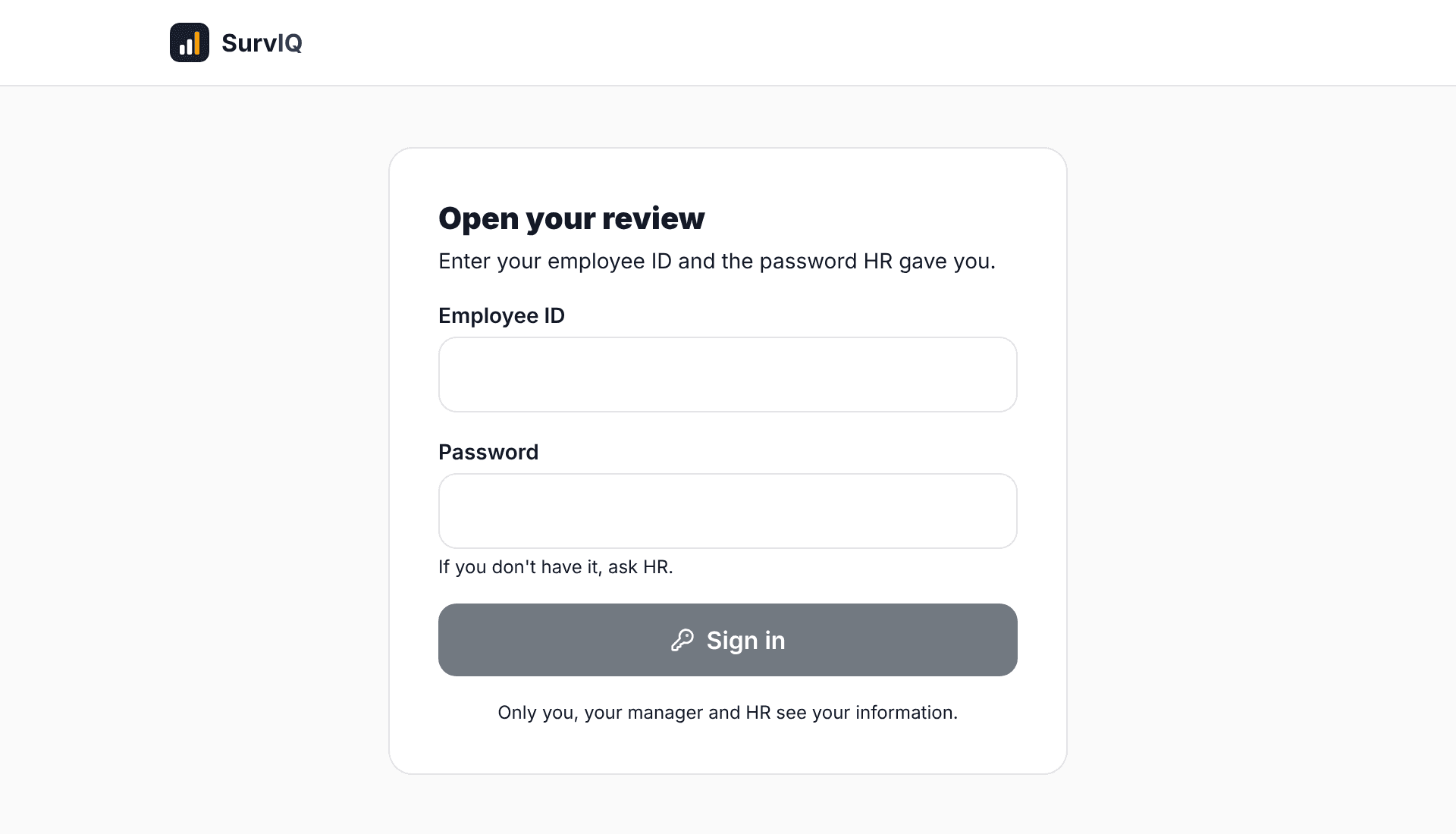
The directory is your company’s list of people with their area, job title and manager. With it SurvIQ knows who reviews whom. Each person signs in to the portal with their ID and a password, without creating an account. This guide explains how to load the directory, hand out access and build a cycle’s list.
Load people from Excel
- Go to Evaluations > People.
- Tap Download template. It has the columns ID, Name, Email, Area, Job title, Manager ID and Password.
- Fill it in. The Manager ID column builds the org chart: put the ID of their direct manager there.
- Tap Upload Excel. SurvIQ shows how many people it found and flags rows without an ID, repeated IDs or passwords that are too short.
- Tap Upload. If an ID already existed, it is updated.
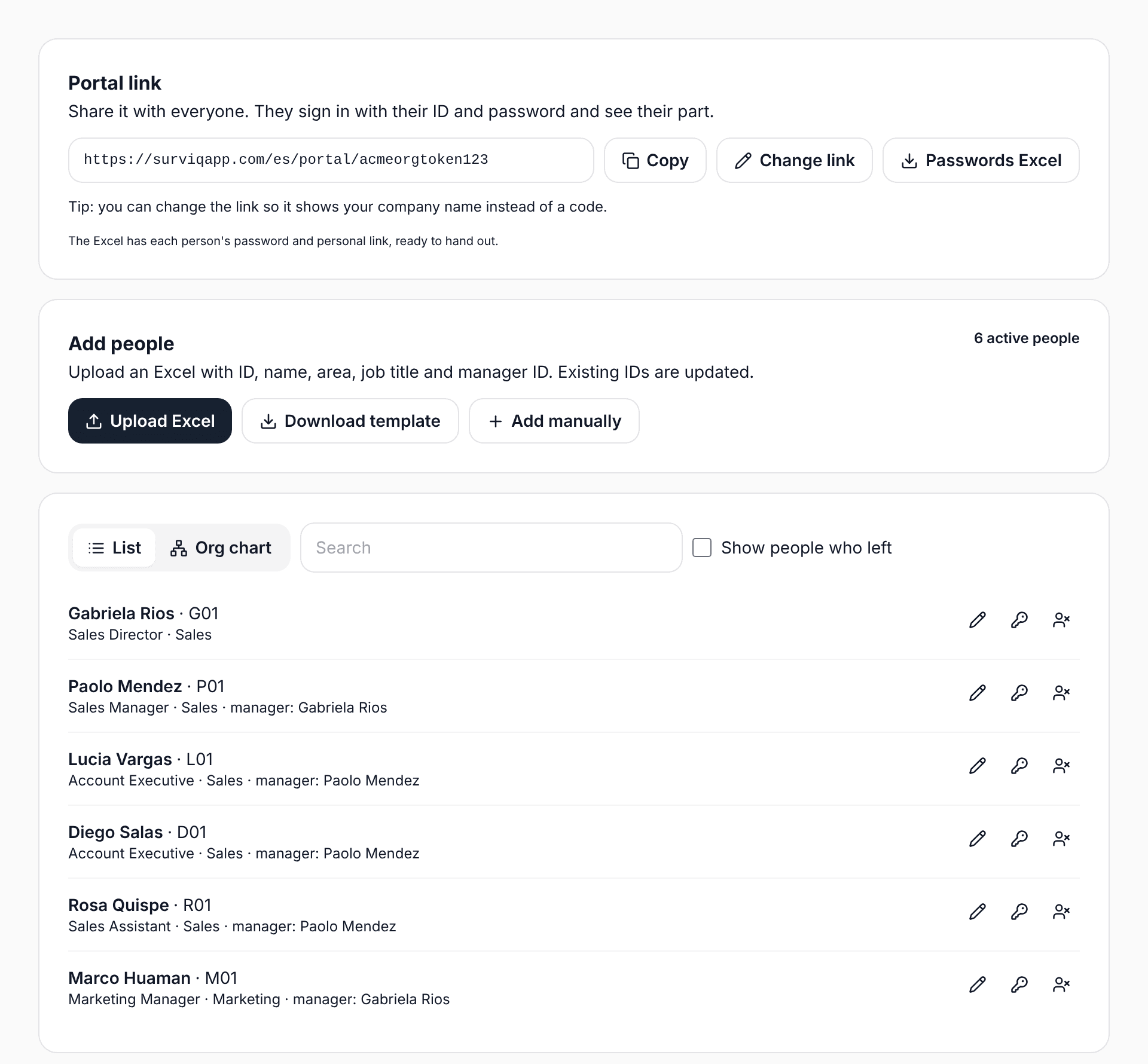
Email is optional, but without it the person gets no notices or reminders. Password is optional too: leave it empty and SurvIQ creates one.
Changes during the year
- Someone new: add them by hand or upload the Excel again. Only the rows in the file are added or updated.
- New manager or area: edit the person with the pencil. In an open cycle you can also change who reviews them for that cycle only.
- Someone who left: use "No longer at the company". They cannot sign in or appear in new cycles, and their results are kept.
- Someone forgot their password: tap the key to create a new one. The old one stops working.
The portal link
Everyone signs in through the same link. With "Change link" you can give it your company name, for example surviqapp.com/en/portal/your-company. In each cycle’s Progress tab you can name the cycle too, and the link becomes surviqapp.com/en/portal/your-company/review-2026.
With "Passwords Excel" you download each person’s password and personal link. The personal link signs in directly, without a password, so only give it to its owner.
People in a cycle
A cycle does not include everyone automatically. In the cycle’s People tab tap "Add people", filter by area if you want and pick who to review.
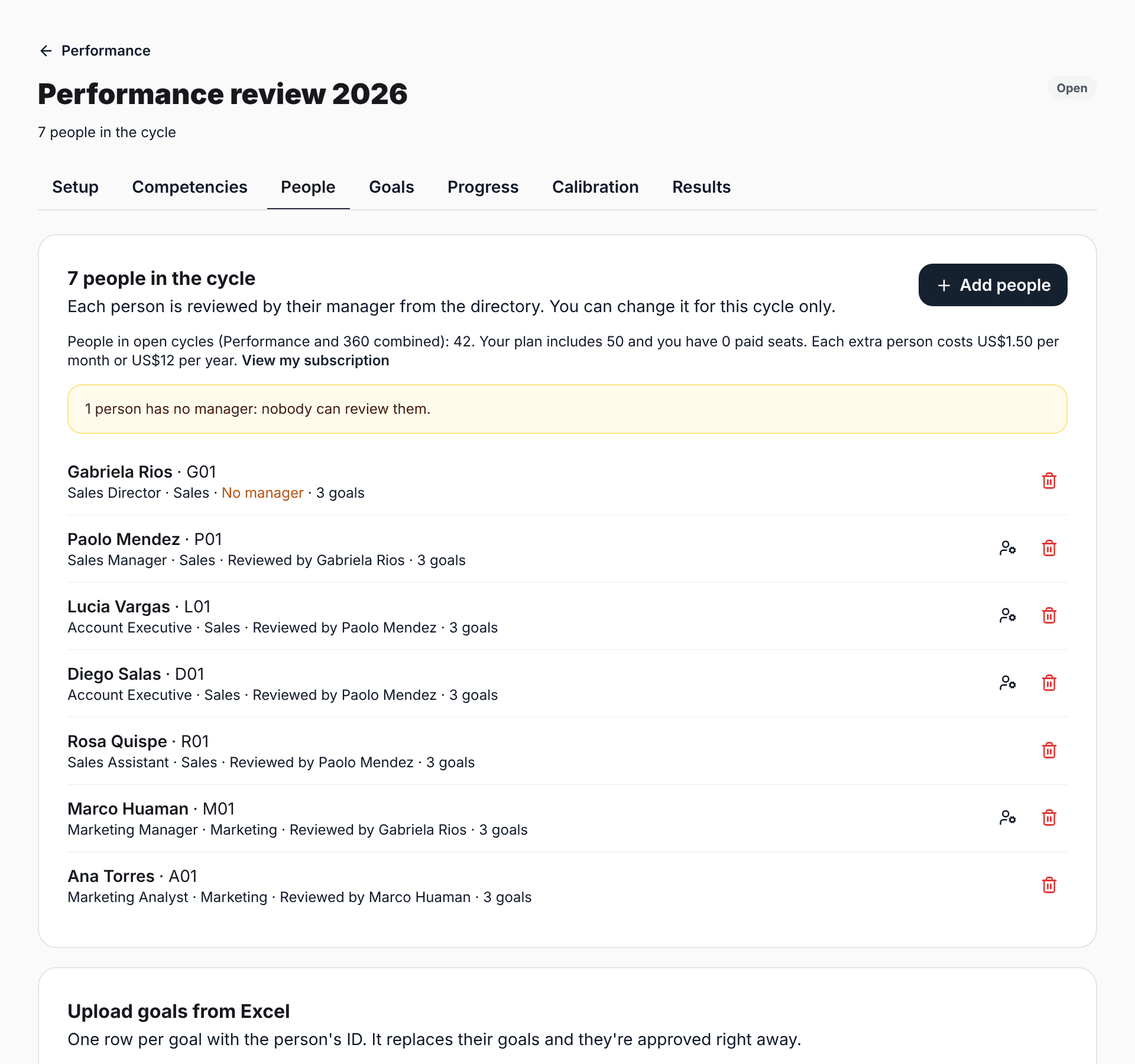
- Each person is reviewed by their manager from the directory. With "Change reviewer" you change it for this cycle only.
- If someone has no manager (like the CEO), choose who reviews them. Otherwise nobody can.
- People in open Performance and 360 cycles count toward your plan, once even if they are in both.